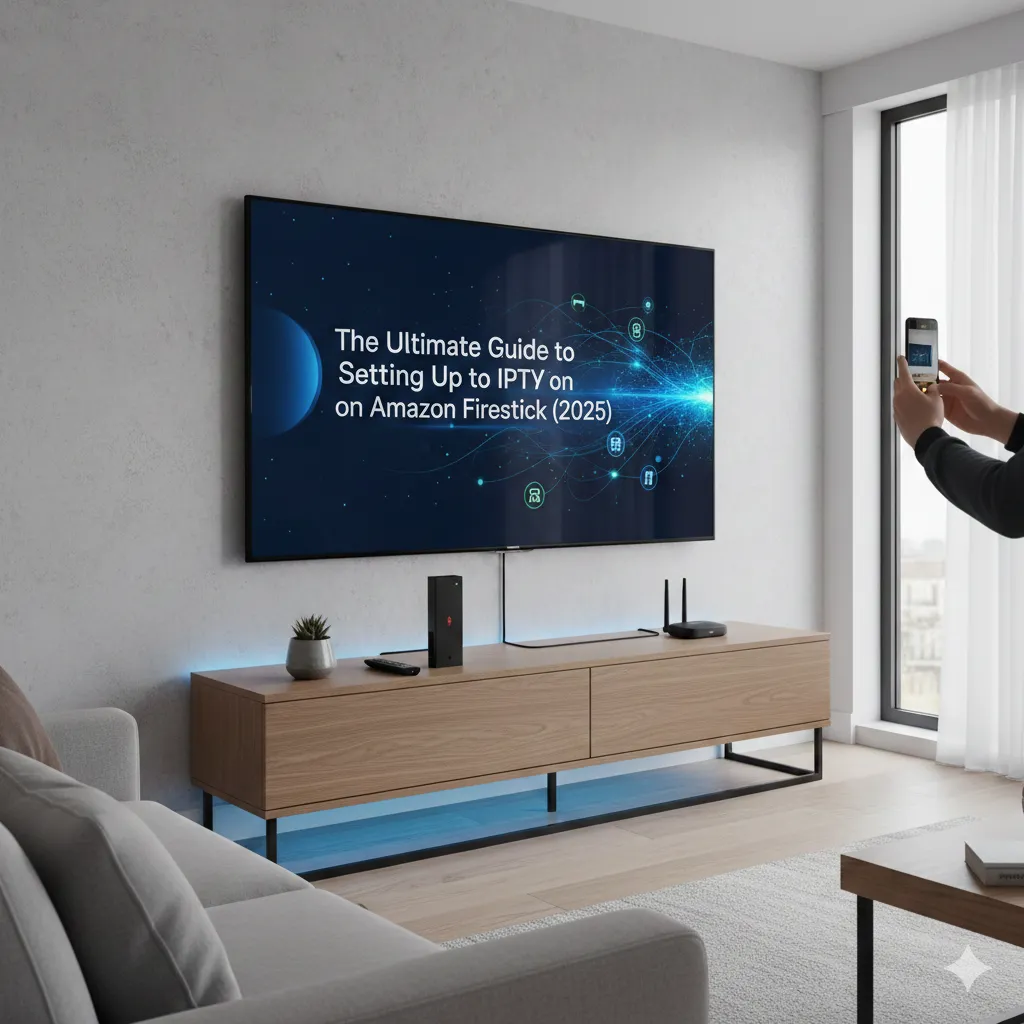
The Ultimate Guide to Setting Up IPTV on Amazon Firestick (2025): Flawless 4K Streaming
The Amazon Firestick is the most popular, budget-friendly, and powerful streaming device in the USA and Canada. Its Android-based operating system makes it the perfect platform for cord-cutters looking to set up premium services like Storuno IPTV. However, because specialized IPTV player applications are not typically found in the standard Amazon App Store, you need to use a simple process known as "sideloading."
Don't worry?"sideloading" sounds technical, but it?s actually a straightforward process that will take less than 10 minutes. This definitive 2025 guide is optimized for all Firestick models (Lite, 4K, and 4K Max) and is designed to get you from a fresh device to watching crystal-clear live TV with your Storuno subscription.
Step 1: Unlocking Your Firestick's Potential (Developer Options)
Amazon recently made a change to its operating system, hiding the crucial Developer Options menu. You must unhide this menu to grant permission for installing third-party applications, a requirement for any high-quality IPTV player.
The "Seven Clicks" Secret
- Go to the Home Screen of your Firestick.
- Navigate to Settings (the Gear icon on the far right of the menu bar).
- Select My Fire TV.
- Highlight About.
- CRUCIAL STEP: Click the "Select" button (the large center button) on your remote **7 times rapidly** on the "Fire TV Stick" name.
- A message will briefly appear at the bottom: "No need, you are already a developer."
- Press the Back button once. You will now see a new menu item called Developer Options directly under "About."
Step 2: Installing the Sideloading Tool (The Downloader App)
Since the IPTV player app is not in the Amazon store, we need a special browser that allows us to download and install files directly from a URL. This app is called "Downloader."
- Return to the Home Screen and click the Find/Search icon (magnifying glass).
- Start typing "Downloader" and select the suggestion when it appears.
- Select the orange app titled Downloader from the search results.
- Click Download or Get.
- Once installed, you must grant it installation permission. Go back to Settings > My Fire TV > Developer Options > Install Unknown Apps.
- Find Downloader in the list and turn the permission toggle to ON. **This step is mandatory.**
For a comprehensive overview of how to manage your content and subscription settings after installation, please visit our main tutorials section: Storuno IPTV Tutorials and Setup Guides.
Step 3: Download and Install Your IPTV Player App
We recommend using a highly stable and customizable player like IPTV Smarters Pro, which works perfectly with the Storuno service.
- Open the Downloader app from your home screen (you may need to search for it in your Apps list).
- In the URL bar, you will either:
- Type the direct download link for the preferred player (your provider may give you a simple code or a full URL).
- Alternatively, you can navigate to a trusted source URL to download the popular **IPTV Smarters Pro** APK file.
- Click Go. The file will begin downloading automatically.
- Once the download is complete, a prompt will appear. Click Install.
- After installation finishes, click DONE (not Open). The app is now installed.
- **Tidy Up:** Downloader will ask if you want to delete the APK file. Select Delete, then Delete again. This frees up precious Firestick storage space.
Step 4: Log In with Your Storuno Xtream Codes Credentials
You have the app; now you need the content. Storuno services are typically configured using the highly secure and reliable **Xtream Codes API** method, which is superior to M3U links.
- Open the IPTV player app you just installed (e.g., IPTV Smarters Pro).
- Select the option: Login with Xtream Codes API.
- Enter the three crucial pieces of information sent to your email after subscribing:
- Any Name: (e.g., Storuno Live TV)
- Username: (Your unique Username from your email)
- Password: (Your unique Password from your email)
- Portal URL: (The server URL provided, e.g., http://portal.8kott.us:8080)
- Click Add User.
The application will now download your full channel list, VOD content, and Electronic Program Guide (EPG). This process can take a minute or two depending on the server load and your internet speed. Once complete, you are ready to stream!
Player Spotlight: Why Use IPTV Smarters Pro?
We recommend a powerful third-party app because they offer better performance and more features than basic players. Learn why IPTV Smarters Pro is the top choice for Storuno users and how to utilize all its features: A Comprehensive Guide to IPTV Smarters Pro Features and Benefits.
Troubleshooting and Optimization for 4K Firesticks
Even with a perfect setup, optimizing your device and network is essential for the best 4K viewing experience, especially during high-demand sporting events.
- Issue: Constant Buffering on Live Channels
- The Fix: Use Ethernet. Wi-Fi is the biggest cause of buffering on Firesticks. Buy a cheap USB Ethernet adapter for your Firestick (Lite/4K/Max) and hardwire it to your router. A stable, low-latency connection beats high Wi-Fi speed every time.
- Issue: Sluggish Interface and Low Storage
- The Fix: Clear Cache. Firesticks have limited storage. Navigate to Settings > Applications > Manage Installed Applications. Find your IPTV player app and select Clear Cache and Clear Data (you will need to log in again). This is also a good time to uninstall unused apps.
- Issue: ISP Throttling/Geo-Blocking
- The Fix: Use a VPN. North American ISPs (Comcast, Bell, Rogers) often throttle heavy streaming. A VPN encrypts your connection, preventing throttling. You can install a high-quality VPN app directly onto the Firestick from the app store.
If you've followed all the steps and still experience freezing, the issue is your network. Get detailed technical tips on how to maximize your home network for streaming: Fix IPTV Buffering Fast: 5 Tricks for Smooth Streaming.
Conclusion: Enjoy Your New Streaming Freedom
By completing this guide, you have successfully transformed your Amazon Firestick into a powerful, dedicated IPTV viewing machine. With Storuno, you now have access to a world of content, from local US/Canadian channels to every major sporting event, without the bloated cost and restrictions of cable.
The final piece of advice is maintenance: keep your Firestick storage clean, restart your device and router once a month, and always ensure your subscription is active.
Subscription Ending Soon? Keep the Streams Flowing!
Renew Your Storuno Plan Instantly ?